
From foundations to workflows
A lot of Android work so far has been deliberately unexciting: finding the local StockMate instance, remembering how to reach it, pairing a device, storing access, restoring an authenticated session, and keeping the correct location context.
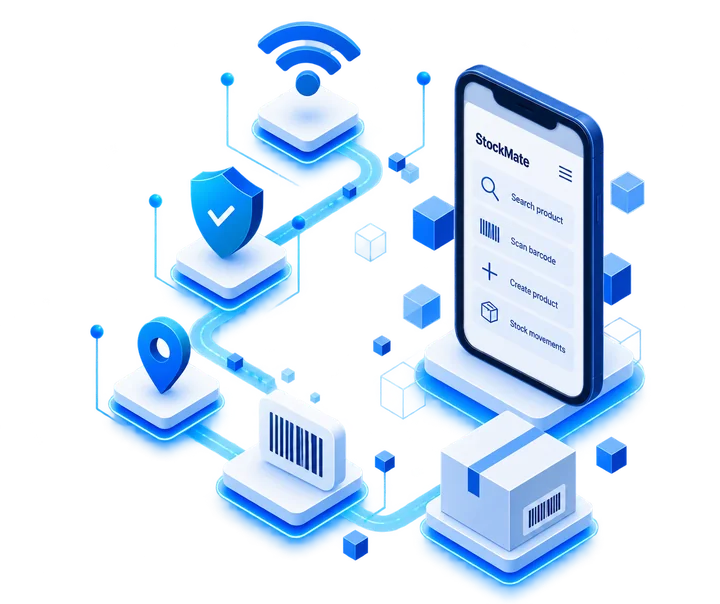
Those are not the features anyone puts on a poster. They are, however, the parts that need to work before mobile product features stop being isolated demos and start behaving like one coherent client.
That foundation is now letting the Android client move into actual inventory operations: finding products, identifying them quickly, and creating the data needed when a product is not already in StockMate.
Why build it in this order?
Because scanning a barcode is the easy-looking part. The harder questions come immediately afterwards: which StockMate instance receives the request, whether the phone is allowed to make it, which location the action belongs to, what happens when the product does not exist, and whether the result stays consistent with the Windows application.
Those rules are being established below the UI first. It can make progress look less spectacular from the outside, but it means each new mobile screen can build on the same contract instead of inventing its own version of reality.
Windows still stays central
The direction has not changed from the Standard roadmap. StockMate Standard is being designed around the Windows application as the central local system, with Android acting as a practical companion on the same network.
The phone is for the jobs where carrying the workstation around the shop would be a questionable design decision: quick product checks, barcode work, adding information at the shelf, and later invoice-related workflows.
What comes next
The next stages continue turning this foundation into complete shop-floor workflows. Product operations are becoming more useful from the phone, barcode capture is being connected to those operations, and the wider Standard mobile scope will continue to build on the same local-access model.
This is development work toward StockMate Standard. The Android companion is not part of EA Free, and there is still work between “the pieces exist” and “the workflow is ready to ship.”